Startup for create Slack APP
Creating App
Log in Slack API page and click Create new app button.
Select From scratch.
Enter your new app name and select install workspace.
App Token
On your Application site.
Move to Basic Information tab.
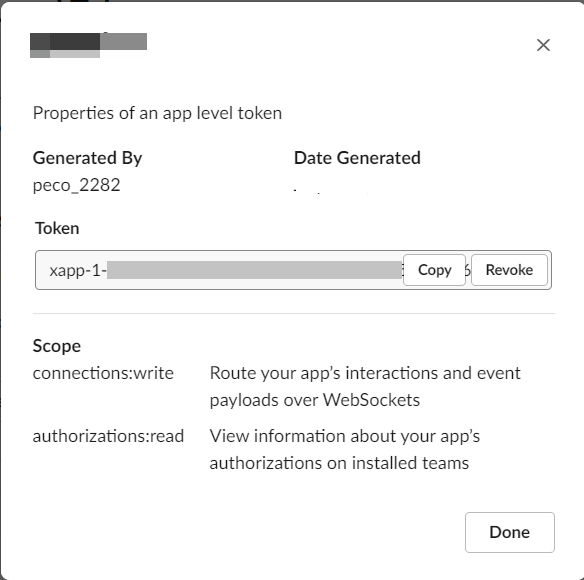
Down to App-Level Tokens.
Click Generate Token and Scope button and enter token name.
Copy token
Move OAuth & Permissions tab.
Add permission Bot Token Scopes, User Token Scopes.
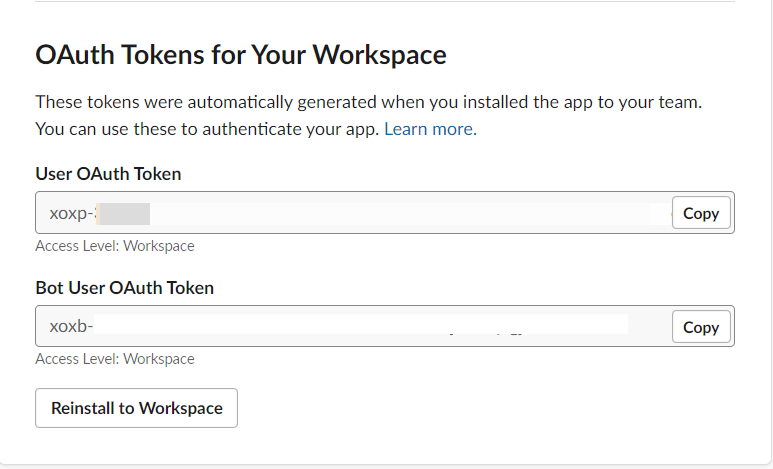
Reinstall your app to your workspace.
Copy both tokens (User Oauth Token, Bot User Oauth Token).
Paste slack#Client(…)